Perspective
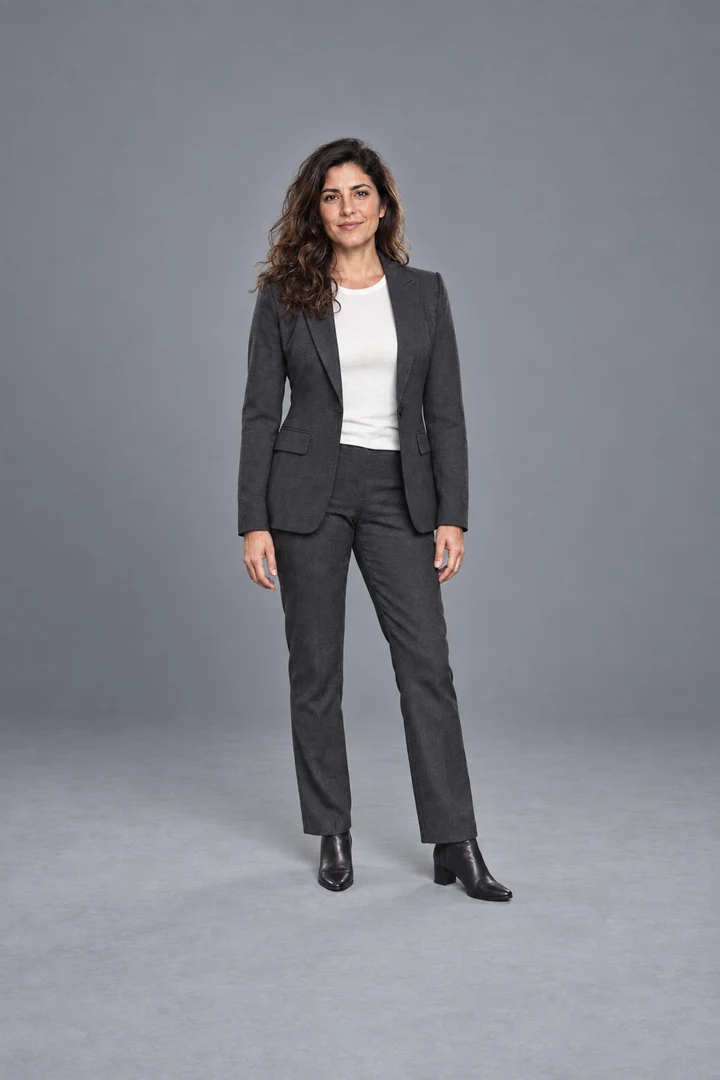
Every scene uses the same camera: lens at 45 in, 50 mm, no tilt. Shoot your subject the same way and the floor, the horizon and the size already agree before you edit.

PORTRAIT BACKDROP VAULT · 160 SCENES
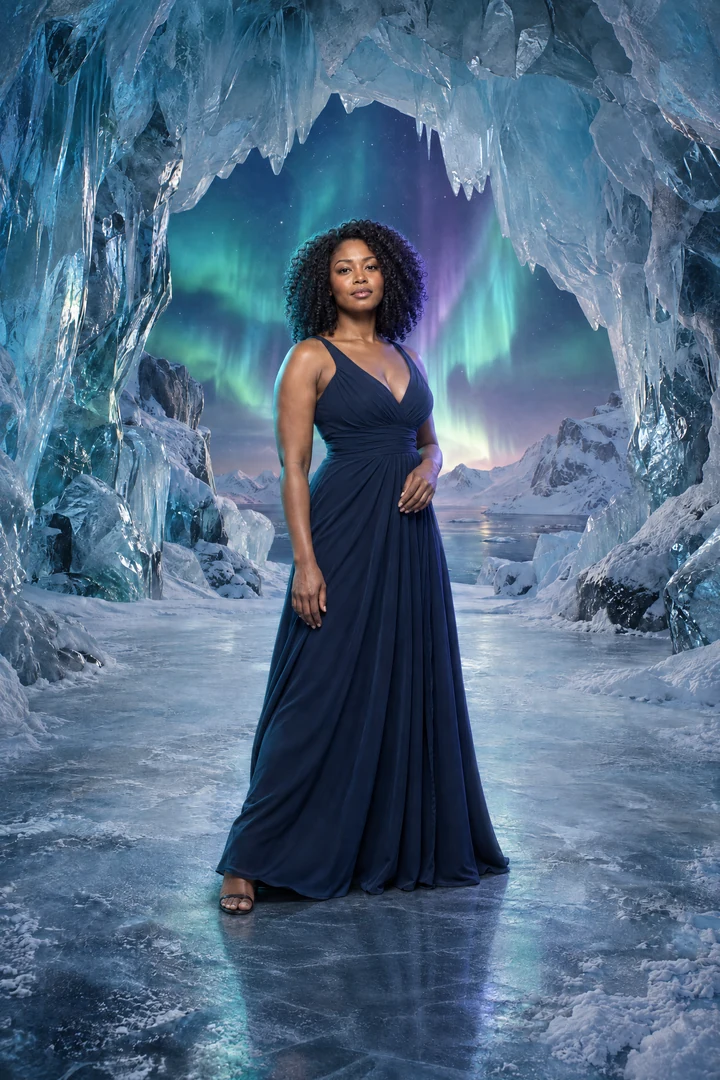
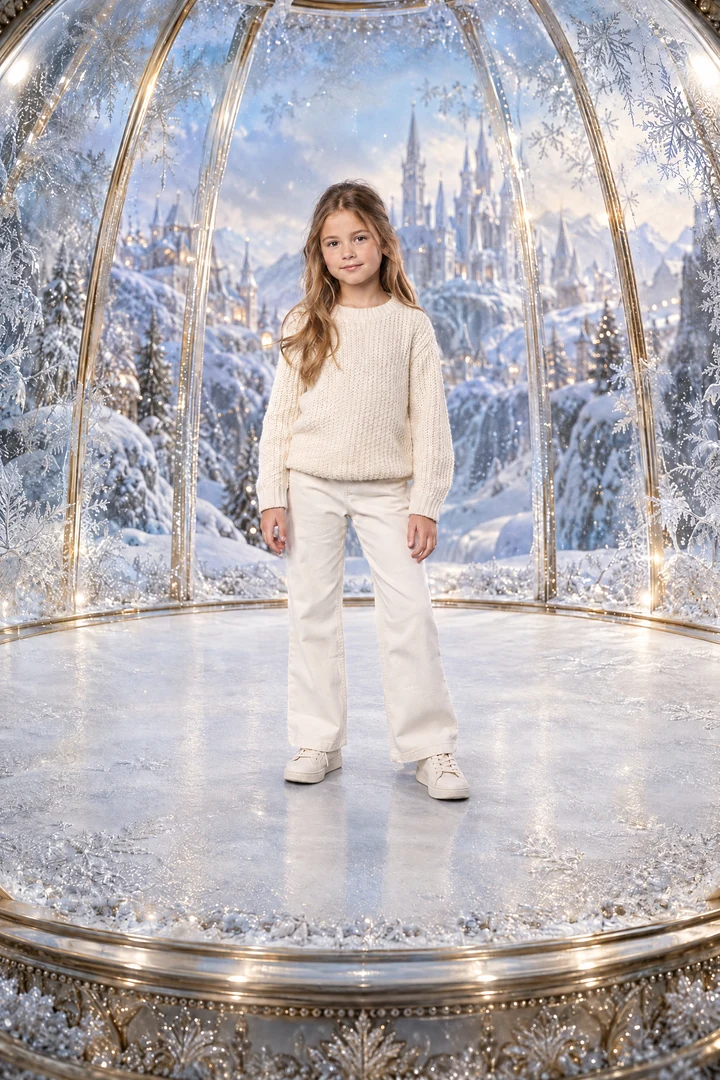 WINTER WONDER
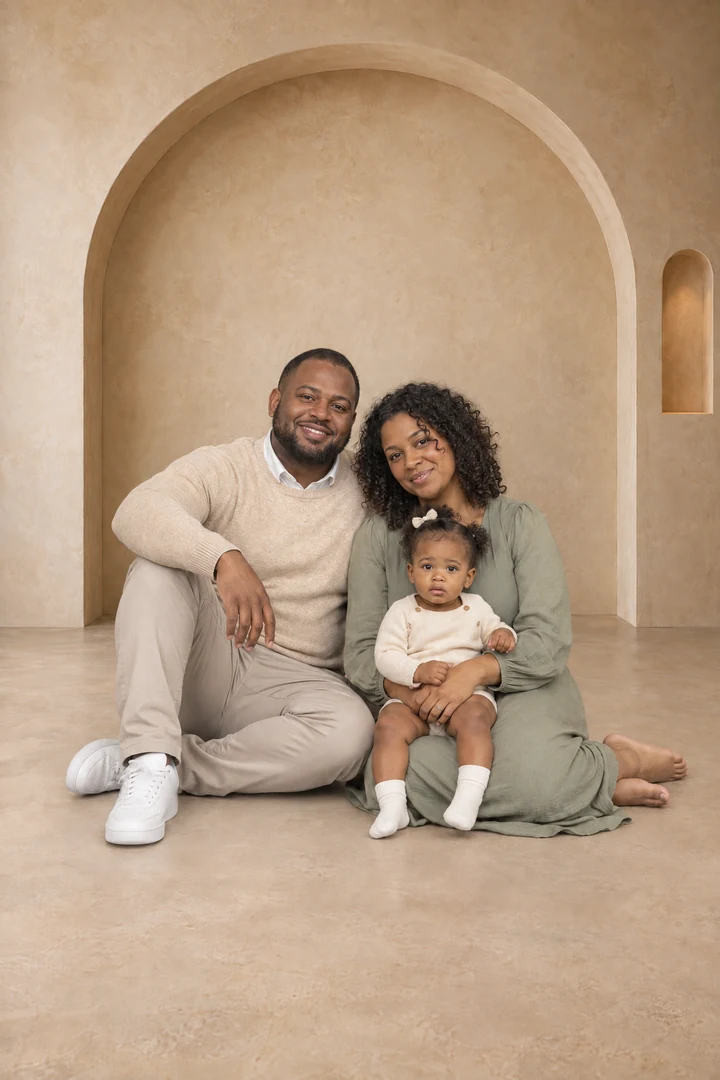 THE EVERYDAY, REIMAGINED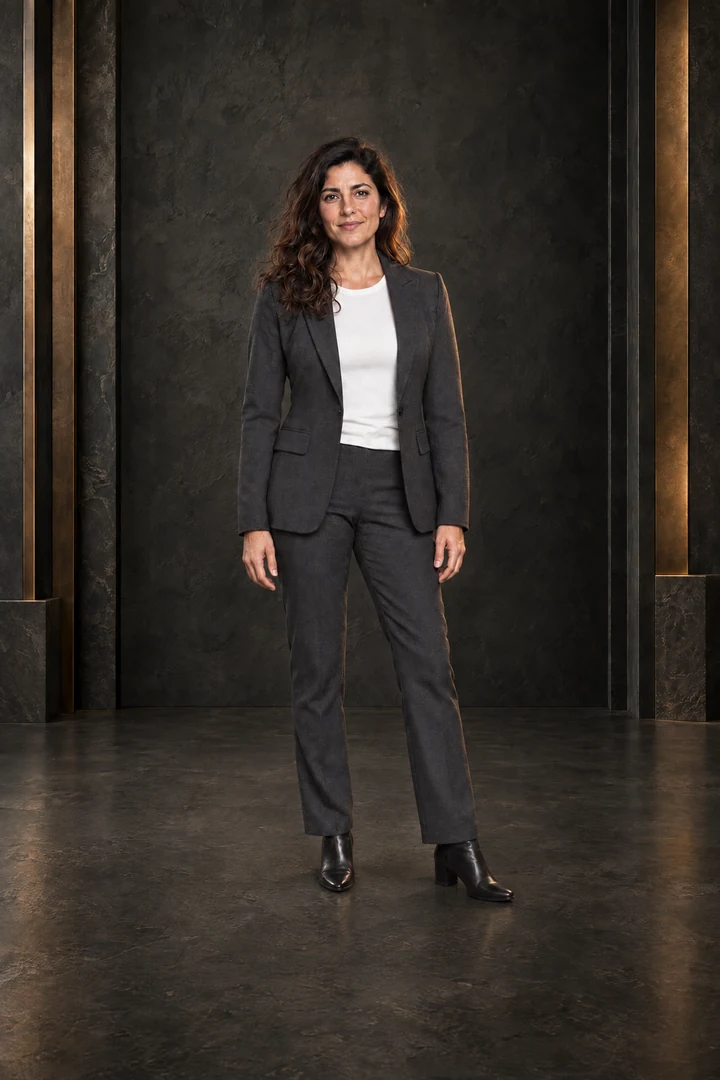
 BeforeAfter
↔
BeforeAfter
↔
Visual examples · Editing required
A DIFFERENT SETTING. YOUR STORY.
160 studio scenes built from one camera setup (45 in lens height, 50 mm, level), plus a step-by-step guide to matching light, shadows and floor contact. Use Photoshop, or start free in Photopea.
Get the complete VaultOne-time $39 · instant download · personal & client use
Or try 10 scenes free → See what a new setting can changeWHY COMPOSITES LOOK FAKE
Every scene uses the same camera: lens at 45 in, 50 mm, no tilt. Shoot your subject the same way and the floor, the horizon and the size already agree before you edit.
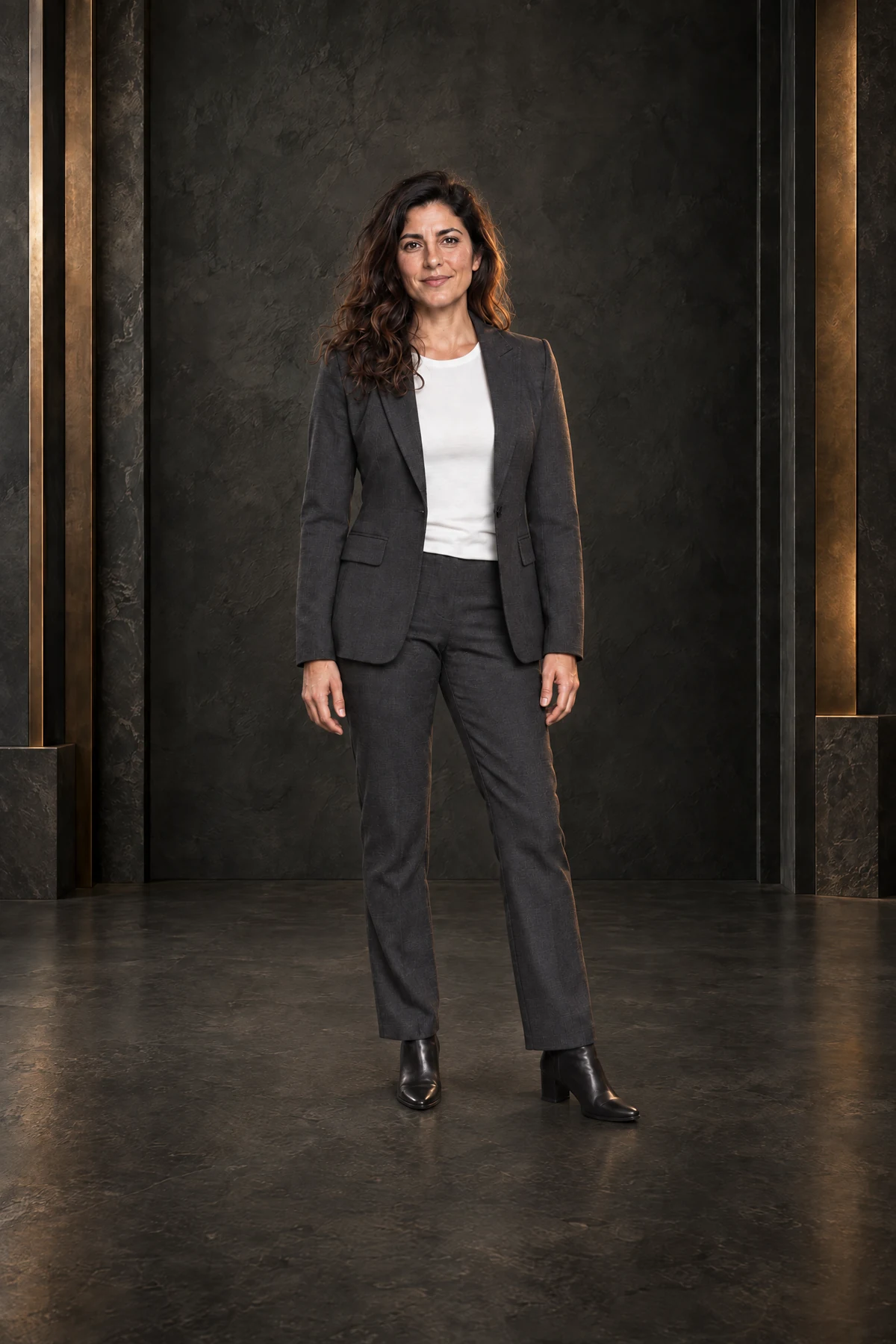
The visual catalog shows each scene's light direction and colour temperature, so you pick a room lit like your photo.
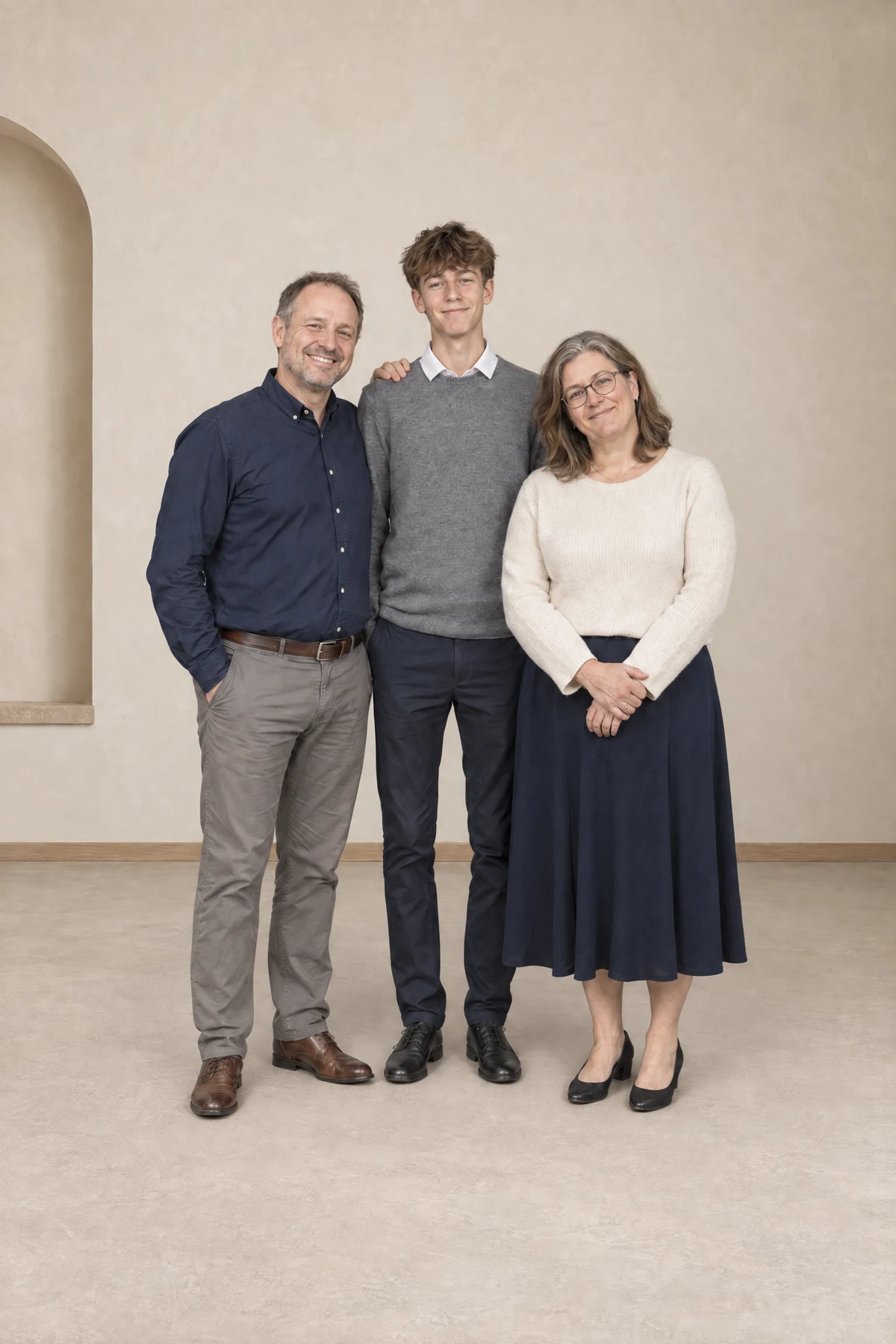
The guide shows how to keep your subject's real contact shadow where the feet touch the floor. It is the detail people notice first.
Full guide in English and Italian, for Photoshop, Photopea and Affinity. Included.
01 / THE POSSIBILITIES
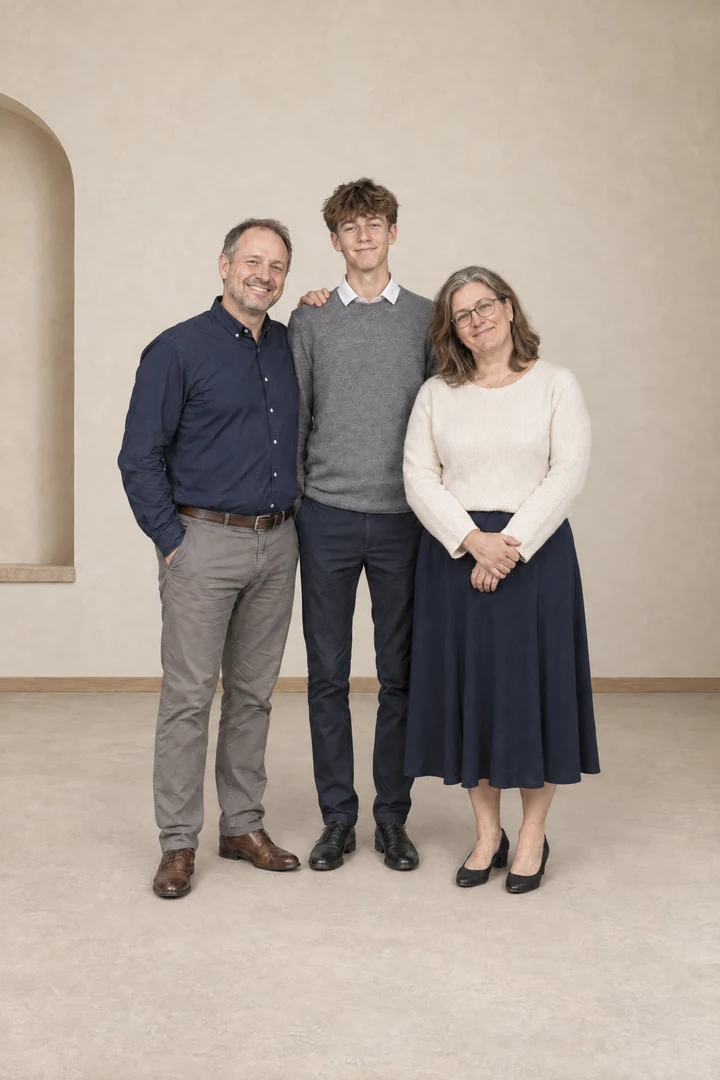
Drag the divider on each example. Open one to zoom in on the edges, the hair and the floor under the feet.
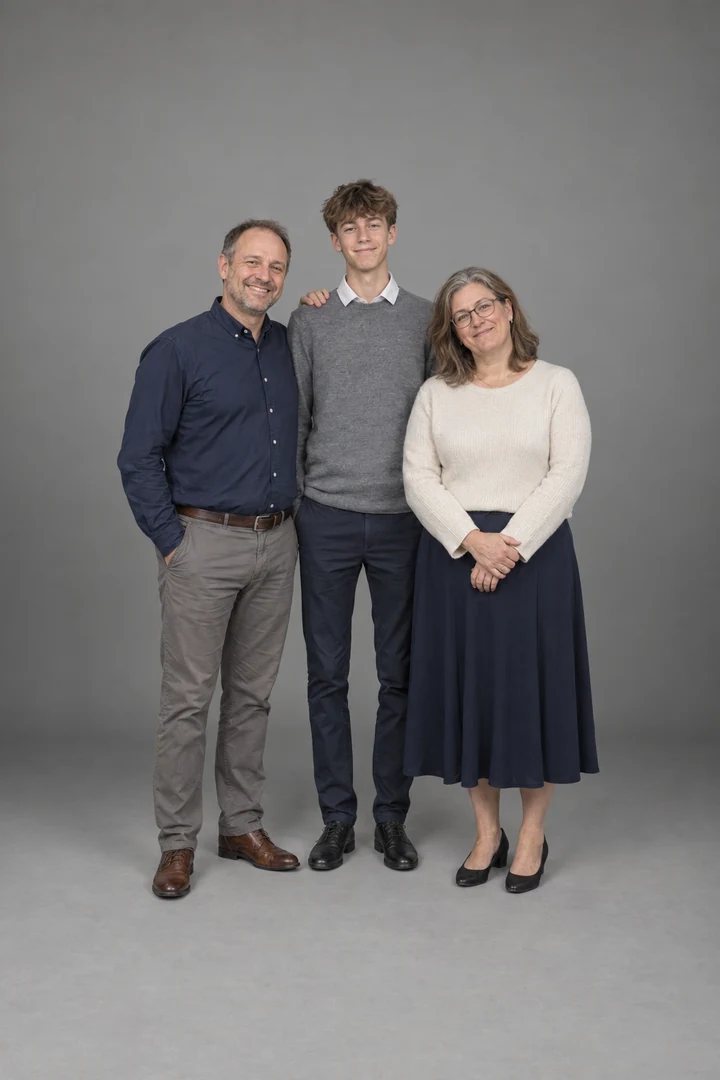 BeforeAfter↔
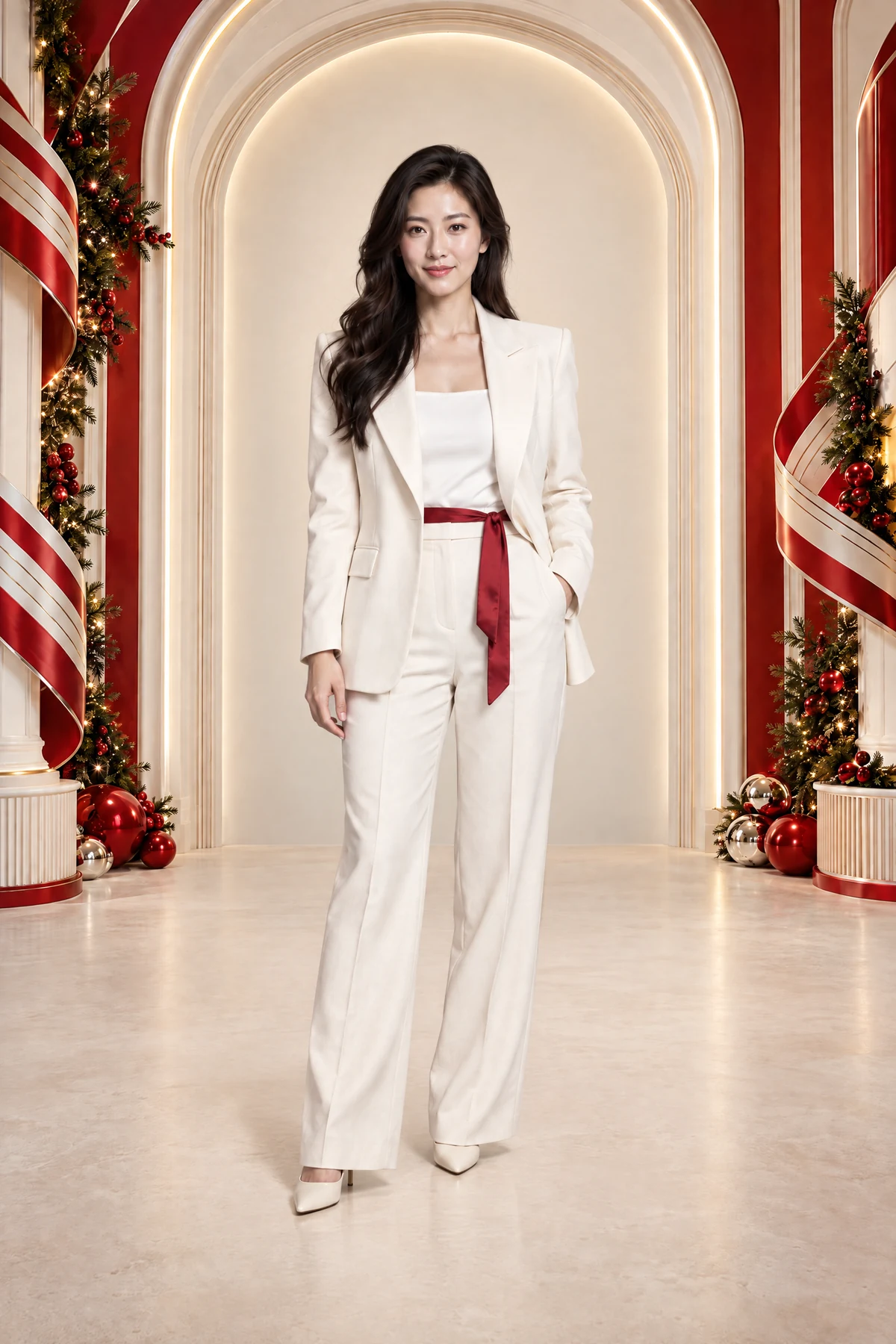
ARCHITECTURAL
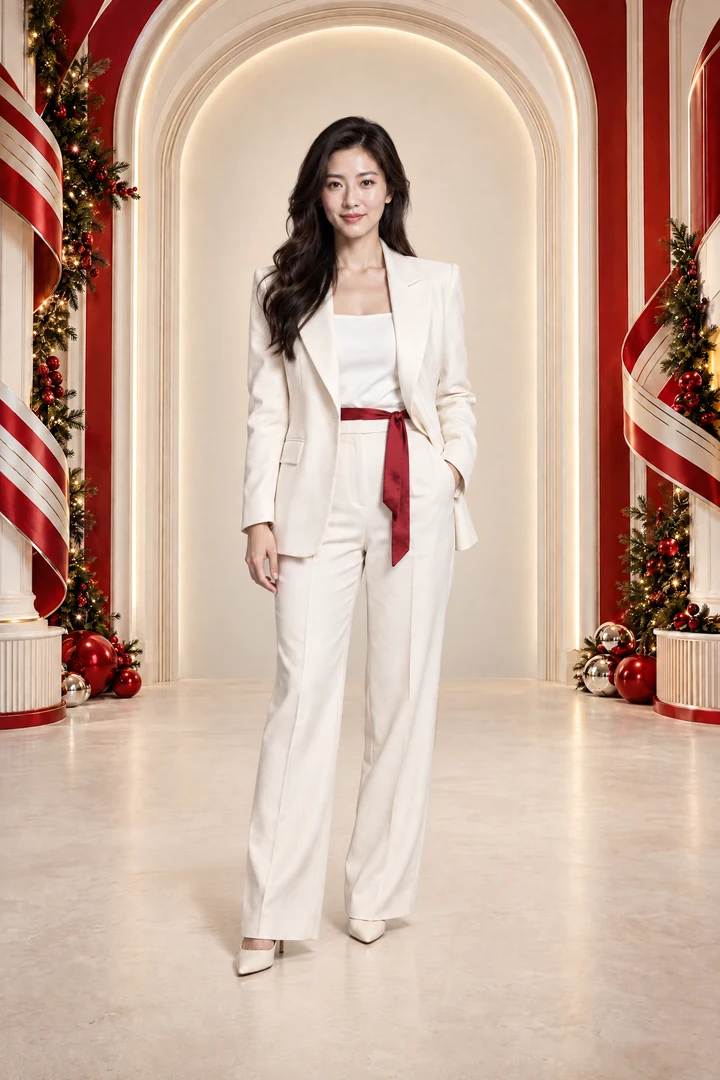
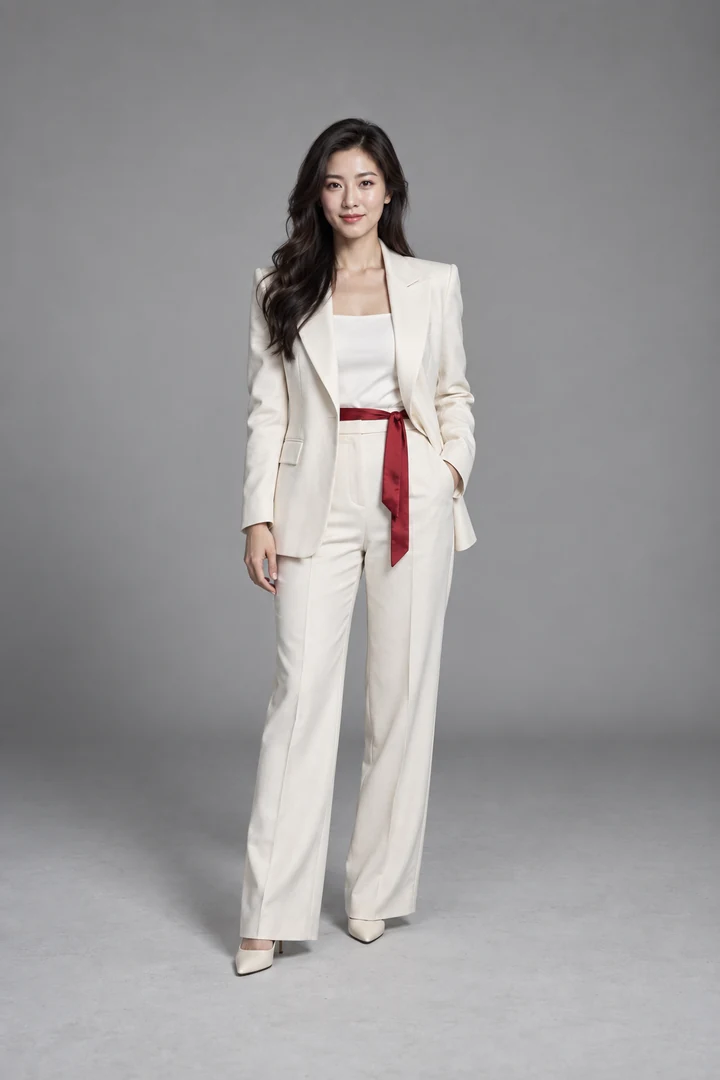 BeforeAfter↔
HOLIDAY GRANDEUR
FREE / A REAL FIRST STEP
THE FREE STARTER PACK
Start with 10 full-resolution backdrops from the Vault, one from each collection. Find your first scene and try the process before choosing the complete set.
Enter your email to receive the download. Marketing emails are optional.
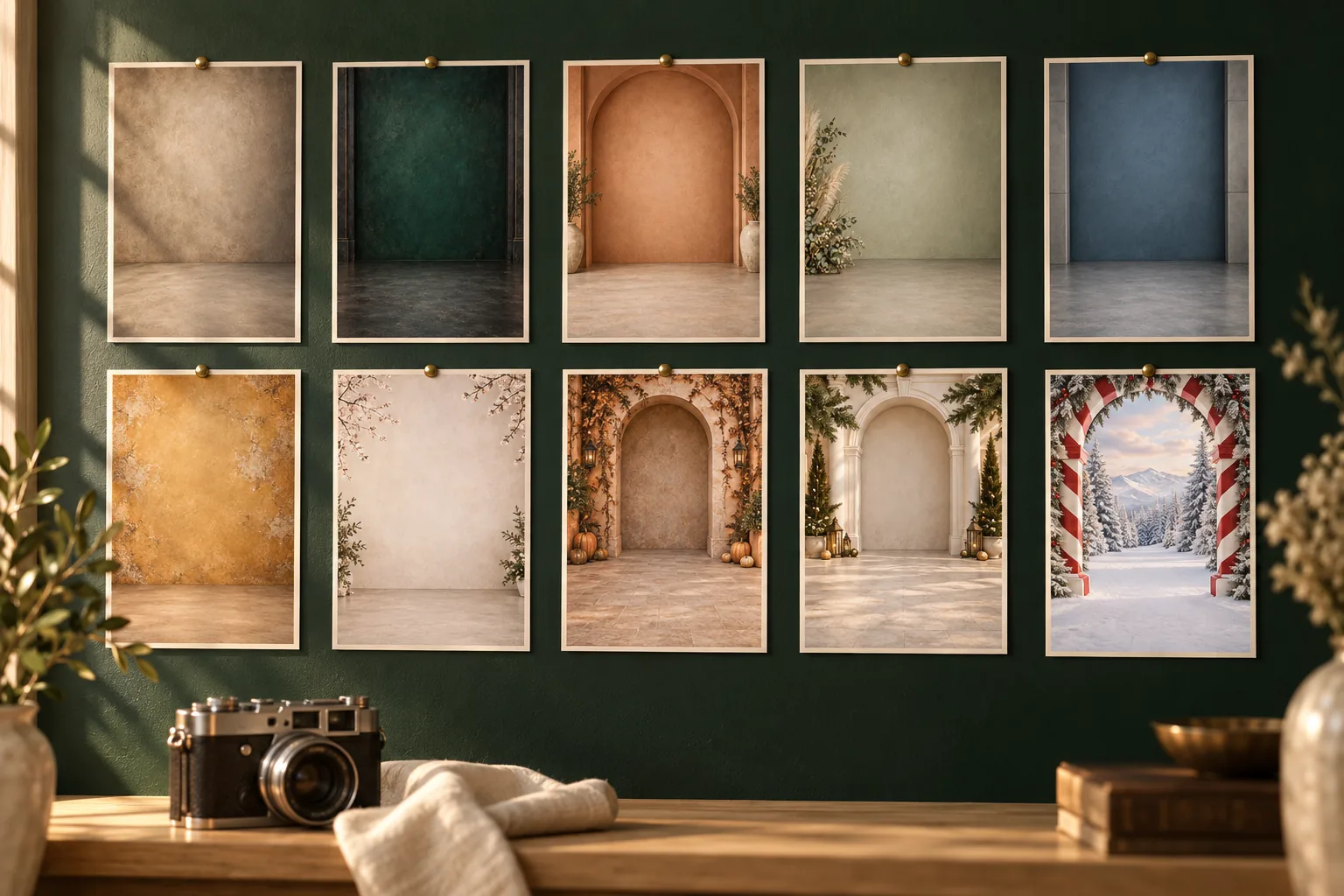
BEYOND THE EVERYDAY
Step into autumn light, holiday grandeur and winter worlds. Create something a little less expected for your next album, card or creative portrait.
Find your next setting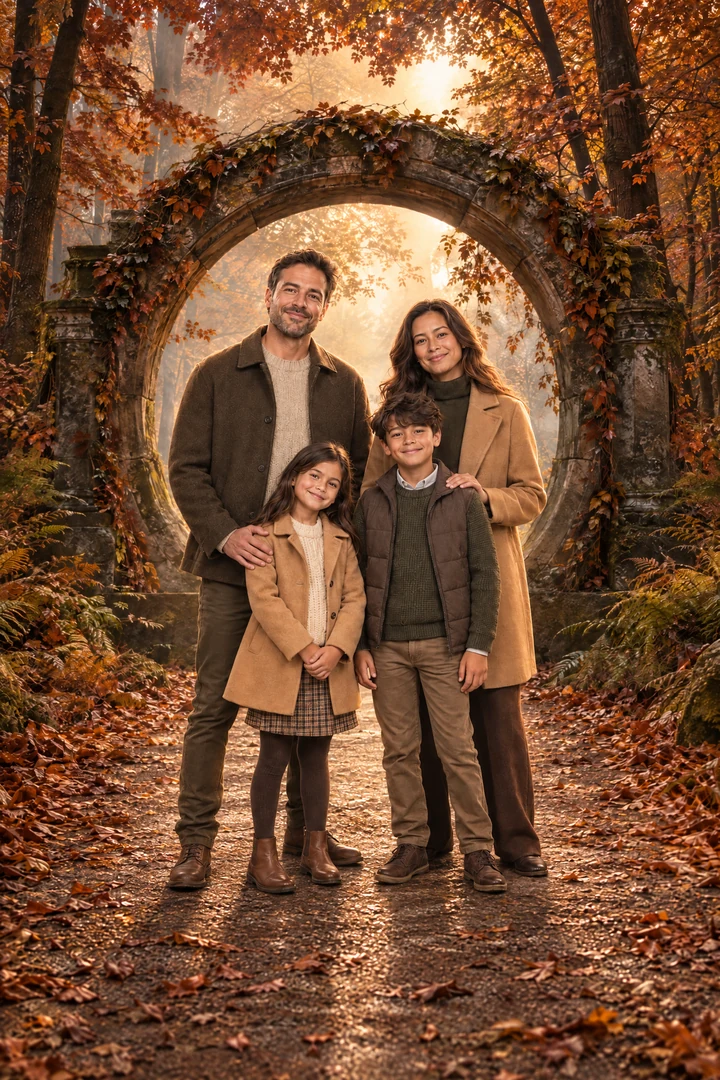
02 / INSIDE THE VAULT
From understated studio textures to scenes that feel like a story. Every collection is included.
Select a collection to see every backdrop. ↗
PD STUDIO / GUIDE HIGHLIGHTS
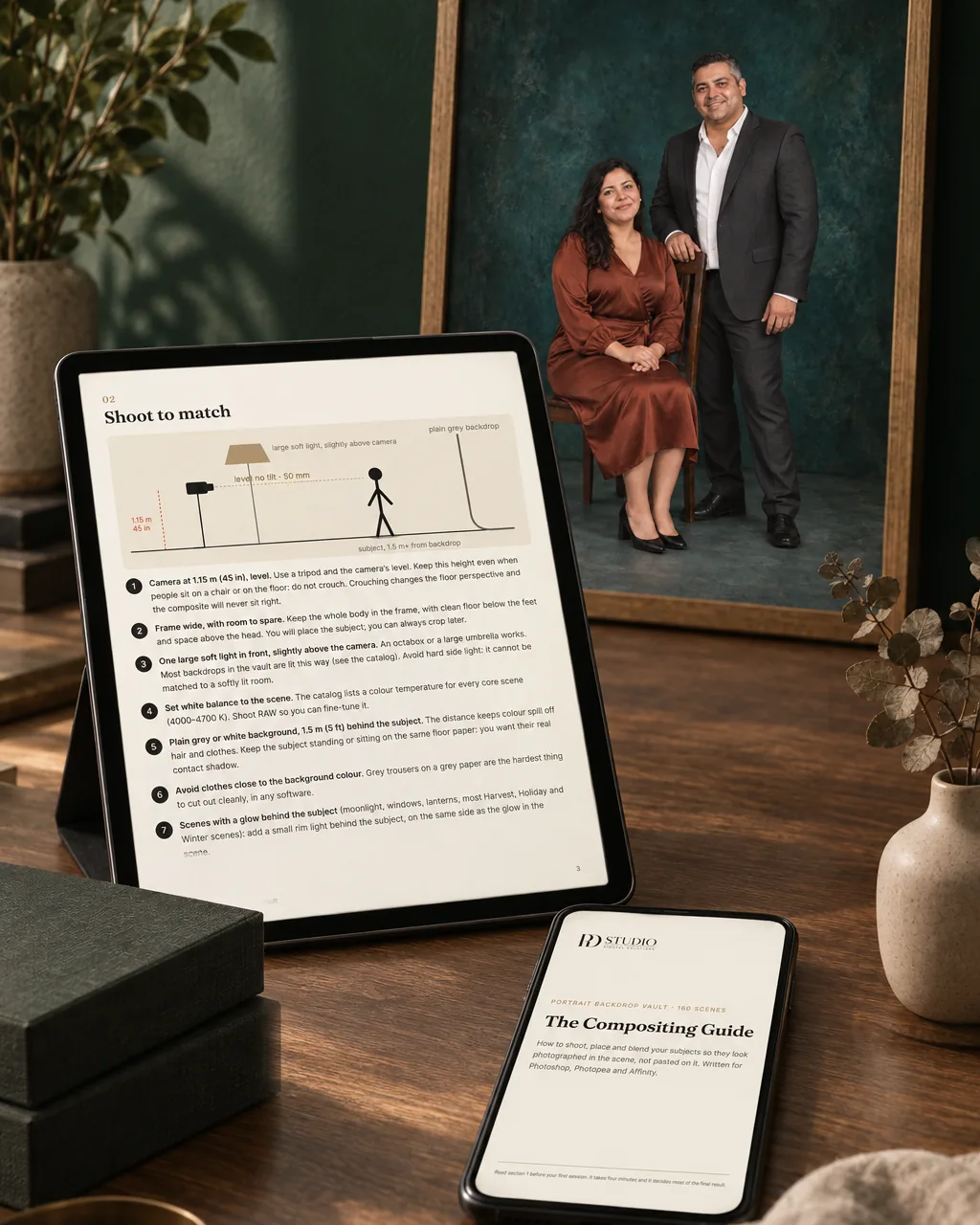 Light. Perspective. Shadows.
03 / MORE THAN A FOLDER OF FILES
A beautiful background is only part of the picture. Your included guides explain how to choose a suitable scene and bring your subject into it.
Start with a new photo or an existing one. Includes advice for shooting at home with a smartphone.
Workflows for Photoshop, Photopea and Affinity. Start for free in Photopea, directly in your browser.
See each scene’s lighting and difficulty. Get guidance on perspective, edges, shadows and contact with the floor.
Full guides + visual catalog included in your $39 purchase.
04 / FROM PHOTO TO NEW POSSIBILITIES
You don’t need a new physical set for every idea. You need a suitable image, a setting you love and some time to make them work together.
Use the catalog to find a scene that fits your photo’s light, camera angle and mood.
Separate your subject from the original background, then place and scale it in your chosen scene.
Follow the guide to refine light, color, edges and shadows. Save your finished portrait for print or digital use.
BEFORE YOU BUY ANY BACKDROP BUNDLE
Bundles with 2,000+ files are common. Before you pick one, check these five things.
160 scenes you can actually use, for $39.
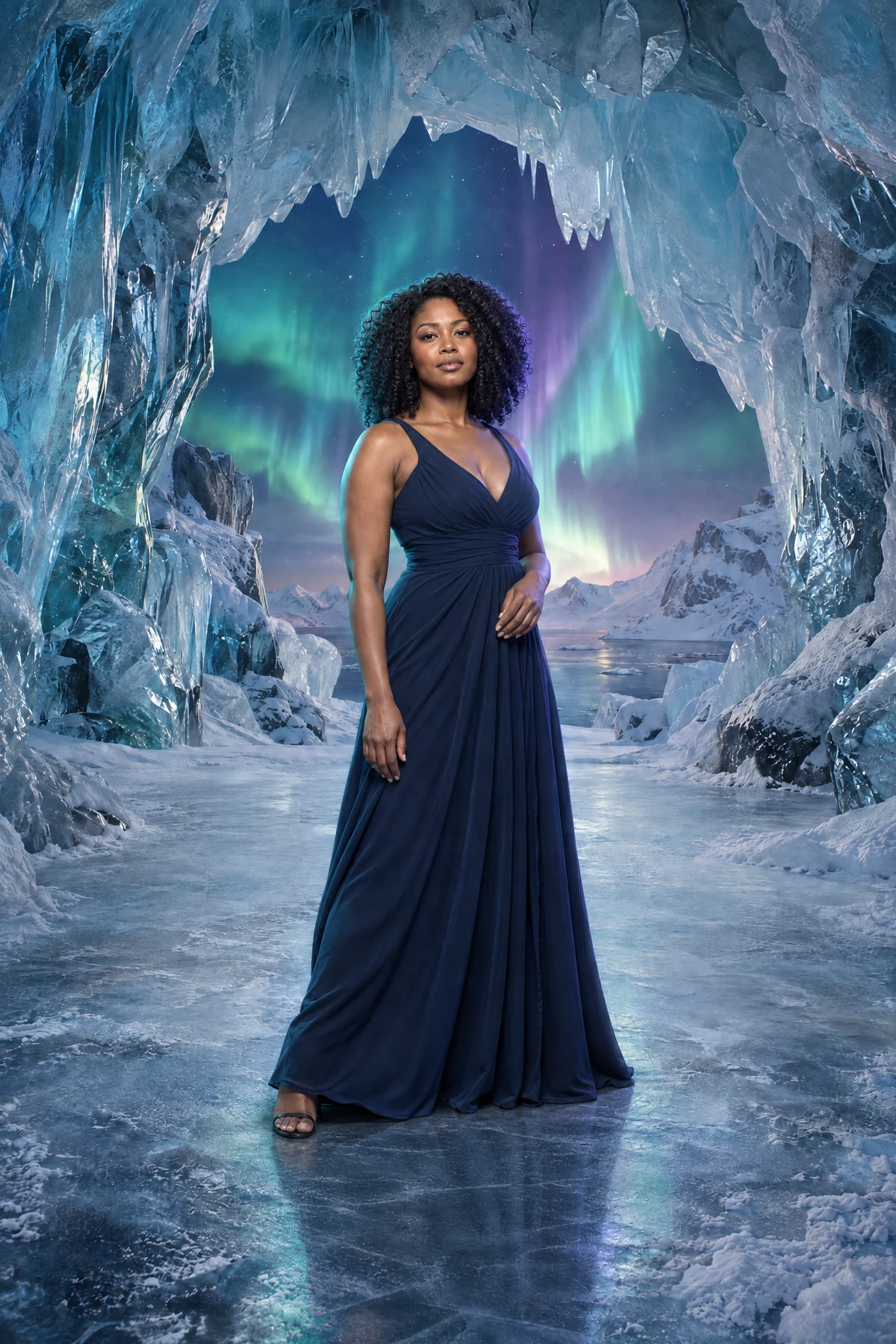
THE COMPLETE COLLECTION
PD STUDIO
160 scenes, the guides and the catalog. Pay once, use them for personal and client work.
Purchase opens soon. Explore the collection in the meantime.
Digital files. No physical product. Editing software sold separately where applicable.
Read the full licence ↗A FEW THINGS TO KNOW
Clear answers, so you know exactly what you’re getting.
Ask PD Studio ↗160 digital backdrop JPGs at 6144 × 9216 pixels, organized into 10 collections. You also receive the full getting-started guides in English and Italian, a visual catalog, and the licence. Delivery is organized into 11 ZIP files, approximately 1.89 GB in total. The people and finished portraits shown on this page are examples and are not included.
They are created digitally with generative image tools, then selected, checked at full size and upscaled to 6144 × 9216 px. Every scene is built around the same camera setup and listed in the catalog with its light, so it fits a photo shot the same way. The people in the examples on this page are not included.
No. The included guide covers Photoshop, Photopea and Affinity. You can start for free in Photopea, directly in your browser. The Vault contains JPG image files, not an editing app.
Yes, when the photo is suitable. The guide includes smartphone setup and advice for existing photos. Sharpness, camera angle and light direction matter. A well-lit, full-resolution photo is a better starting point than a compressed or blurry image.
The guides are written to help you get started, including a Photopea workflow. You will need to separate your subject from its original background and adjust scale, lighting and shadows. Start with a simple studio scene, then move to more detailed settings as you gain confidence.
The Before / After examples show different creative possibilities. Your result depends on your source photo, the setting you choose and your editing. The files do not automatically replace backgrounds or guarantee a particular result.
Yes. One licence covers one person or one studio business, with unlimited personal and client projects and no time limit on use. You can deliver finished images and use them to promote your photography business. You cannot resell, share or redistribute the backdrop files themselves.
No. $39 USD is a one-time purchase for the complete Vault and its included guides and catalog. There is no recurring Vault subscription. Any editing software you choose is separate.
YOUR PHOTO. YOUR STORY.